Flash writes a precompiled image over USB-C in Chrome or Edge. The .ino below is the source — you do not need Arduino IDE unless you want to change the sketch.
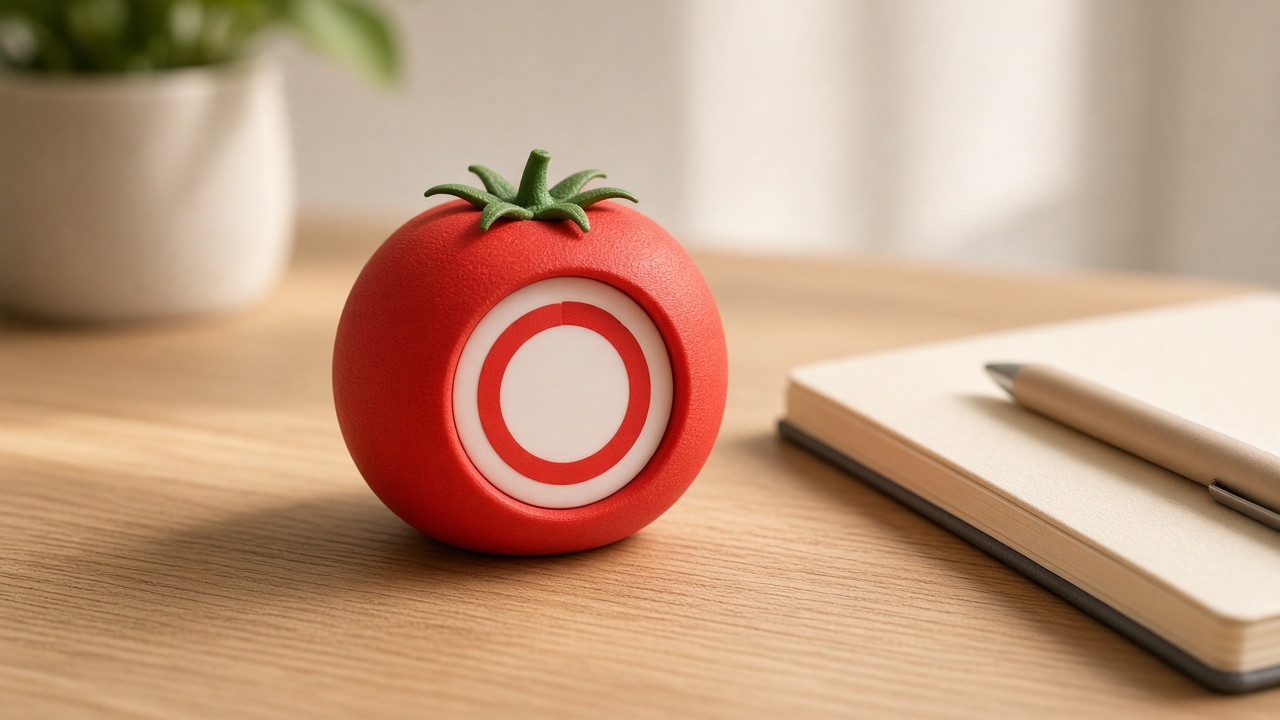
A pomodoro timer: 25 minutes of focus (ripe-tomato red), then 5 minutes of break (leaf green), then the next tomato. The remaining time sits in the center. A progress arc walks around the rim like a pie getting eaten.
Tap to start or pause. Double-tap to skip a phase. Long-press to reset. Flip the puck upside-down to skip — like turning a kitchen timer over. Finished focus sessions are remembered even if you unplug USB.
What you will learn
How computers tell time with millis() (a stopwatch, not a wall clock).
How a phase (focus vs break) is just a variable that picks colors and duration.
How tap / double-tap / long-press are classified from one button-like sensor.
How a number can survive unplugging (saved in flash memory).
Meet the Desk Pal puck
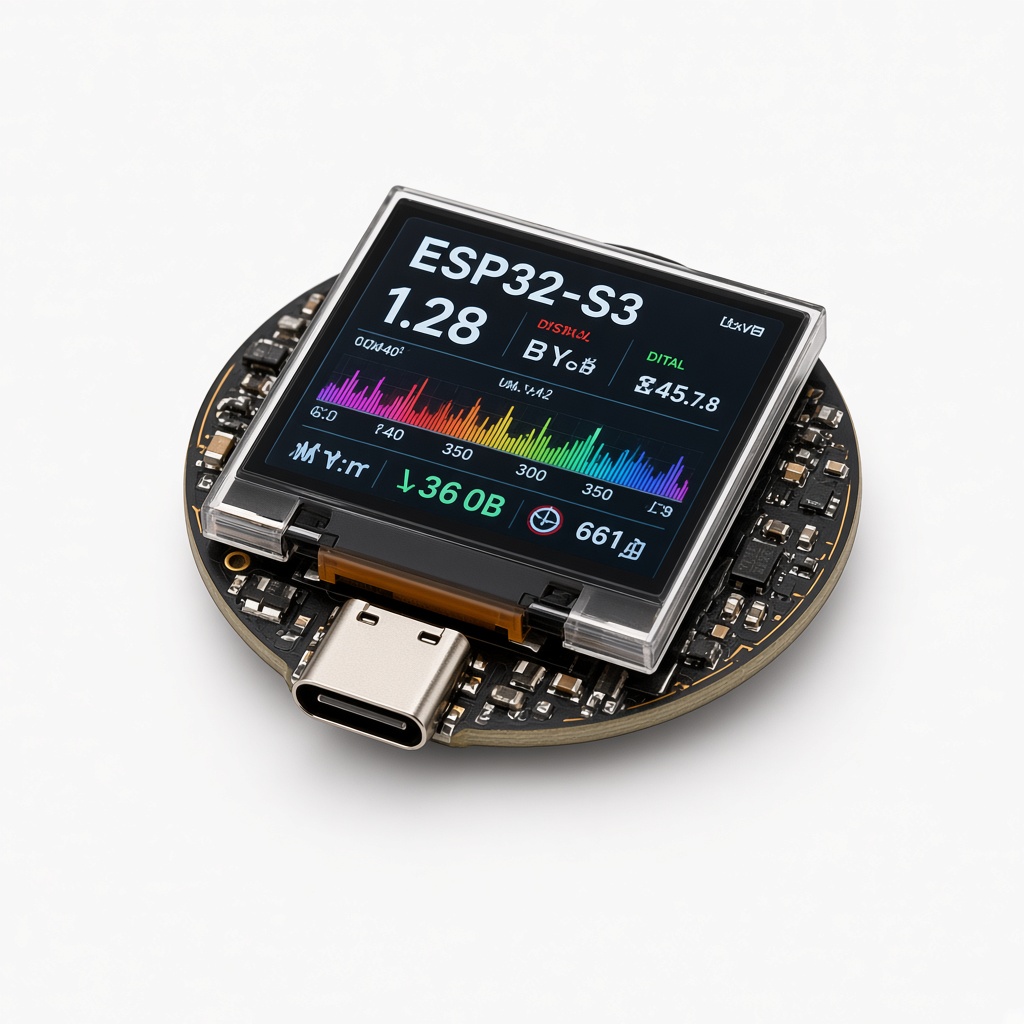
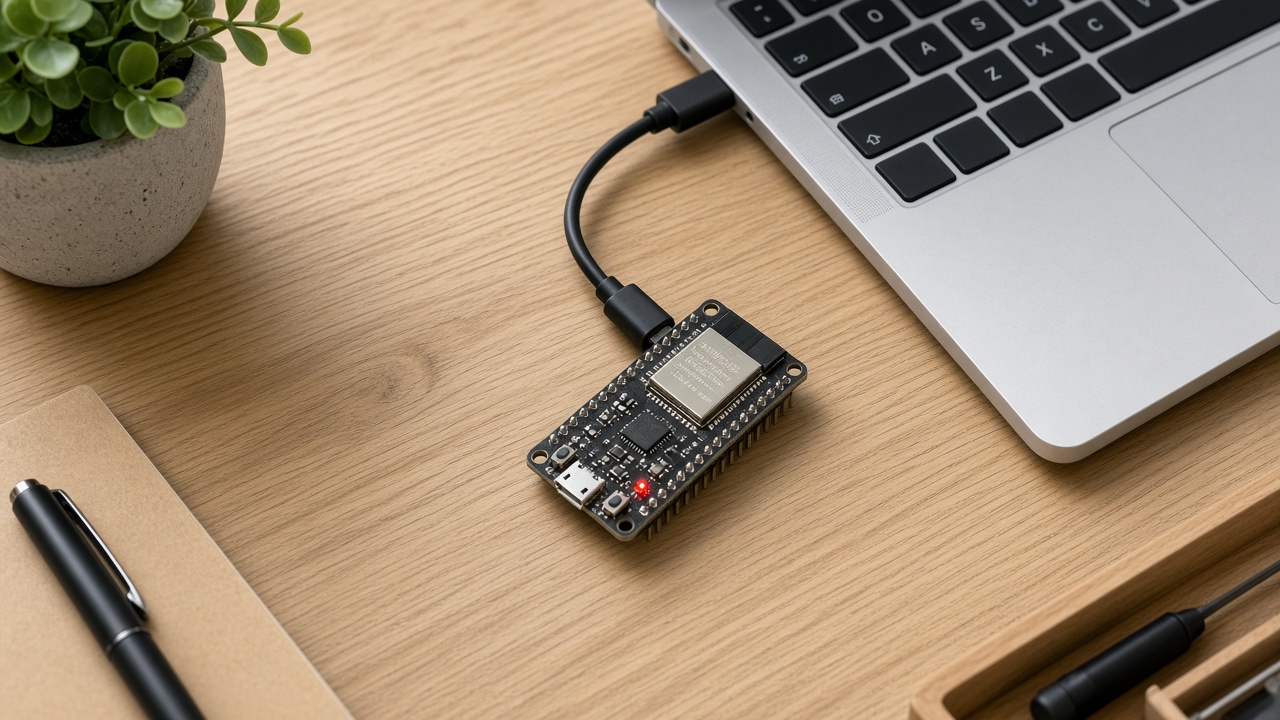
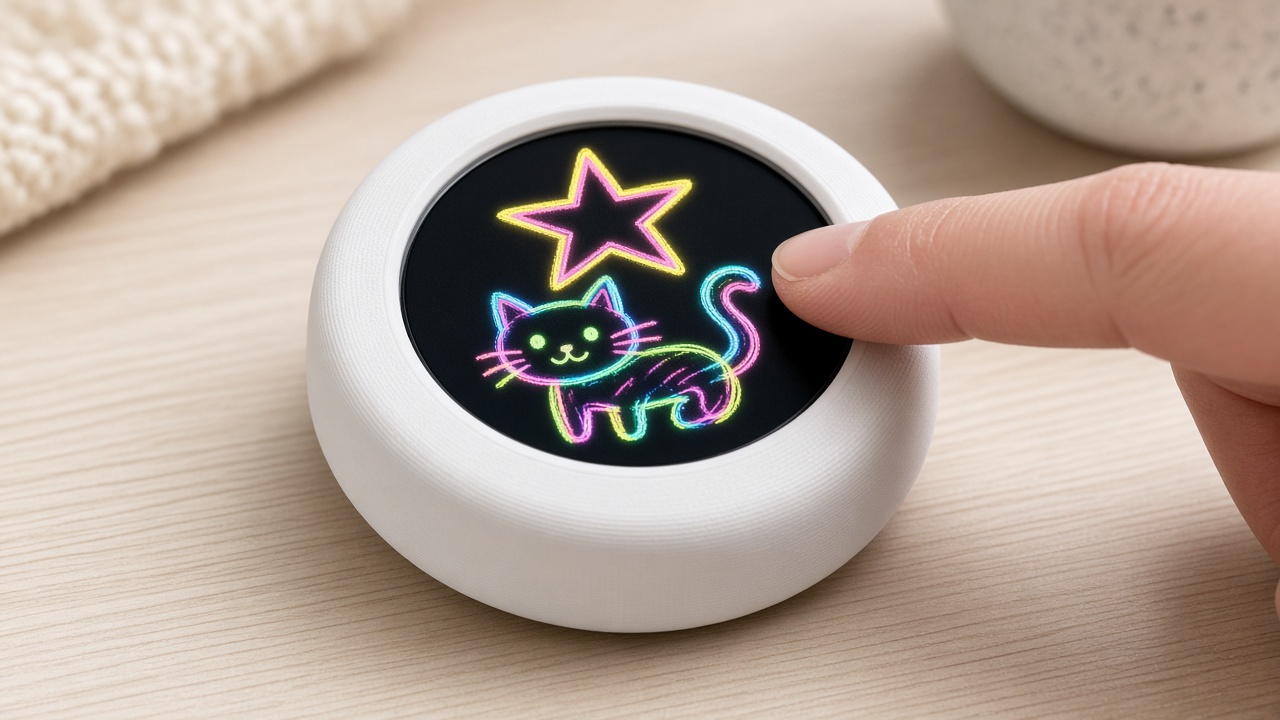
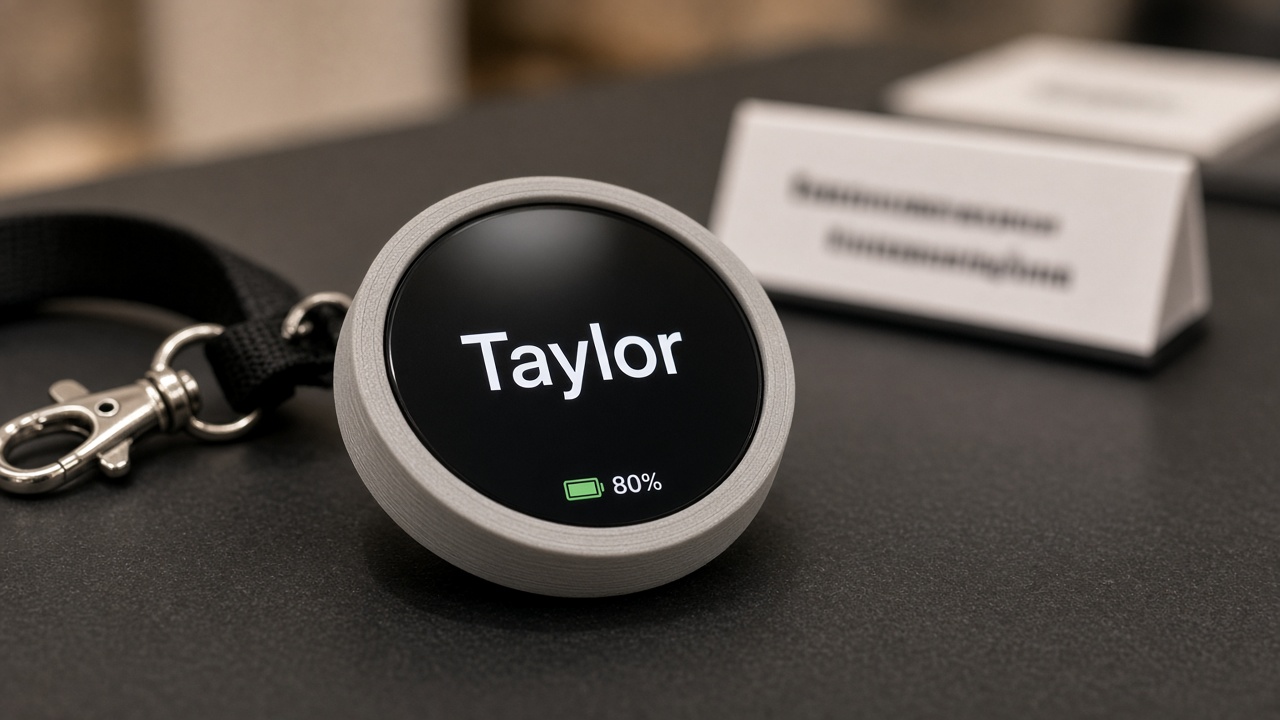
This project uses the Waveshare ESP32-S3-Touch-LCD-1.28 — a round gadget about the size of a drink coaster.
A 240×240 color screen (think 240 dots across and 240 down).
A touch glass, so a finger is a mouse.
A tiny motion sensor (IMU) that feels shakes and flips.
Wi-Fi that only speaks 2.4 GHz. School guest networks that are 5 GHz only will be invisible to it.
A USB-C port for power and for loading the program.
The program you load is a .ino file — that is Arduino-style C++. You do not need to understand every line. This guide teaches the ideas, then shows the few lines that make each idea real.
Note
Word to know — firmware. That is just the program living on the chip. Flashing firmware is like installing an app, except the chip can only run one app at a time.
The finished gadget
Desk Pal pomodoro tomato on Desk Pal puck (ESP32-S3).
Build it
1
Print the tomato
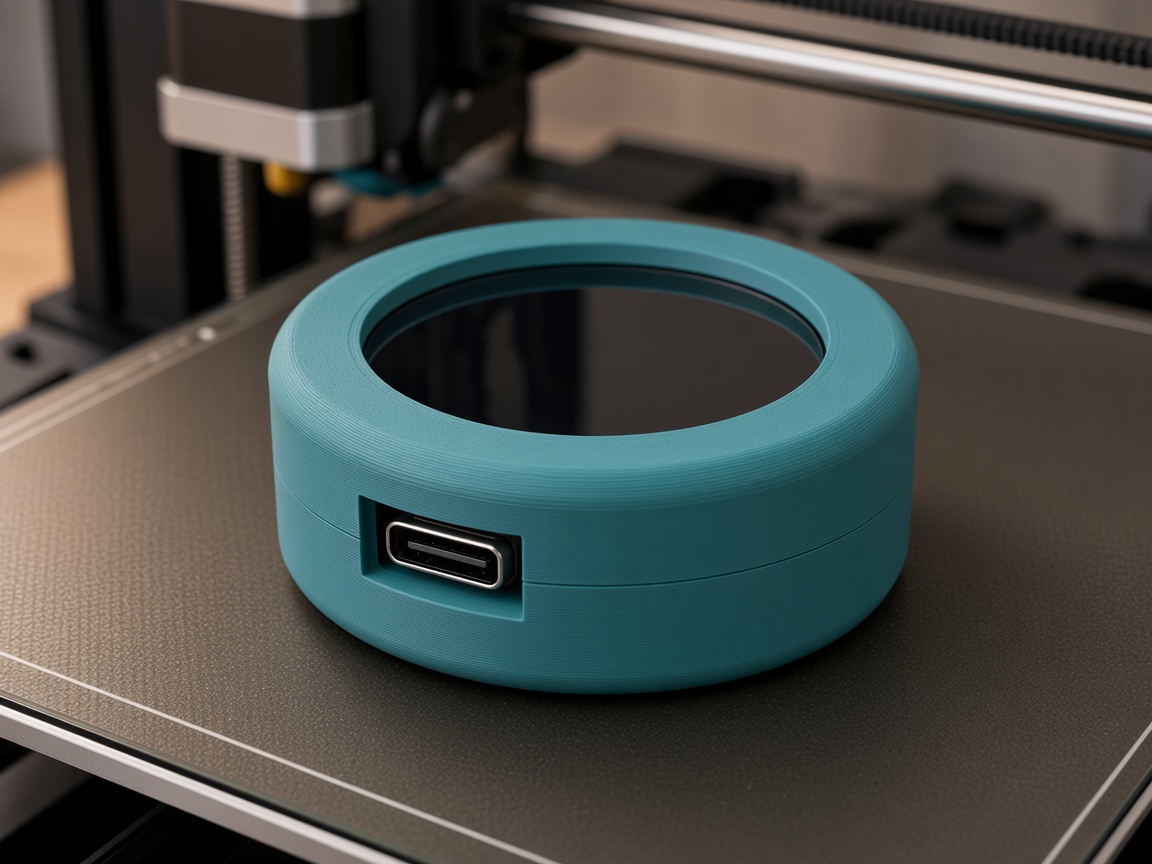
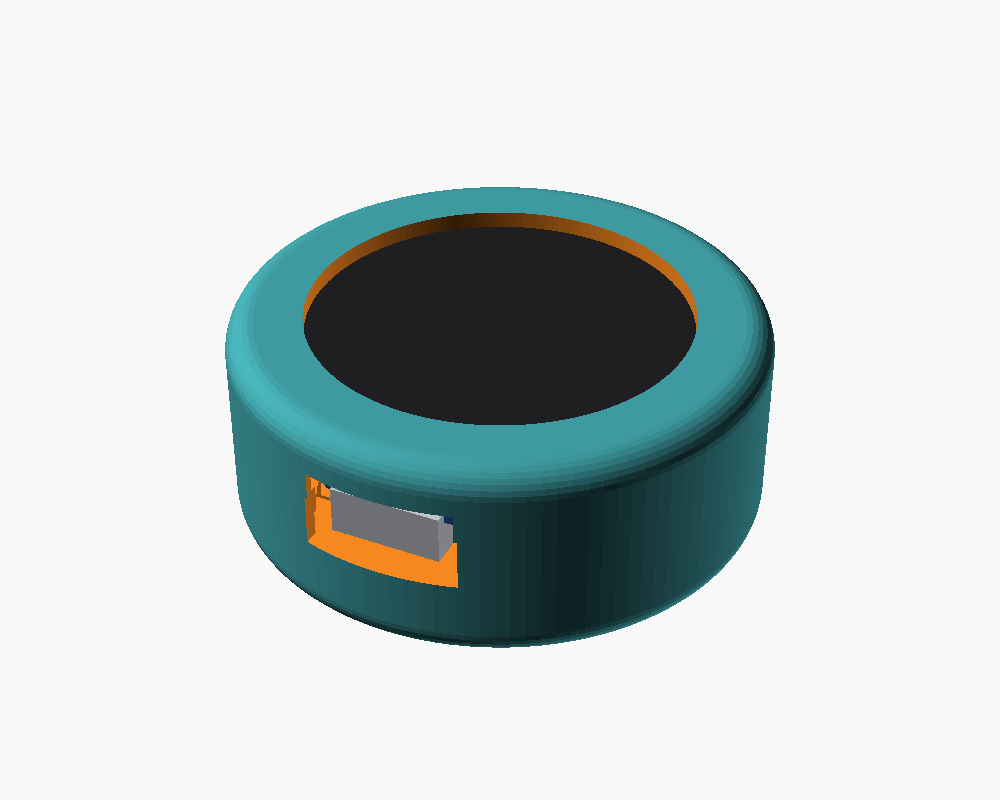
Red PLA for the body, green for the stem. 0.2 mm, 3 walls. Keep the stem outside the board cavity so the puck still snaps in.
2
Flash the puck
Flash means copy the program onto the chip. Easiest path: use the attached pomodoro-tomato.bin with the on-page Flash to board button (Chrome or Edge, USB-C). To change the code later: Arduino IDE → ESP32S3 Dev Module, OPI PSRAM, 16 MB flash, USB CDC On Boot — or unzip platformio.zip next to the .ino and run python3 -m platformio run -t upload. The TFT setup must include USE_HSPI_PORT or the round screen stays black.
3
Run a tomato
Tap to start. Work. Double-tap or flip to skip to break. The Mac browser sim can use ?demo=1 for 25-second tomatoes while you practice — do not change the real 25-minute numbers unless you want a toy timer.
Lesson 1 — `millis()` is a stopwatch
The chip does not “know” 2:30 PM unless you add a clock. What it always has is millis() — milliseconds since it powered on. A timer is subtraction:
remaining = phase_length - (now - started_at)
When remaining hits zero, the phase flips. The arc around the rim is the same fraction: degrees = 360 × remaining / phase_length. That is the same math as a pie chart in math class.
Two lengths, two looks
pomodoro-tomato.ino
static const uint32_t FOCUS_MS = 25ul * 60ul * 1000ul; // 25 minutes
static const uint32_t BREAK_MS = 5ul * 60ul * 1000ul;  // 5 minutes

enum Phase : uint8_t { PHASE_FOCUS = 0, PHASE_BREAK = 1 };
// The palette (red vs green) is chosen from this enum.
Lesson 2 — One finger, three verbs
The touch glass does not send the words “double-tap.” It sends “finger down” and “finger up.” The program classifies:
One tap, then quiet → start or pause.
Two taps close together → skip.
Finger stays down ~0.7 s → reset.
That is how phones tell tap from press too. If you invent a new gesture later, you are writing a tiny classifier, not magic.
Lesson 3 — Flip is just gravity upside-down
The accelerometer’s “up” vector usually points out of the desk. Flip the puck and that vector points the other way. When the dot product (a measure of “are these two arrows agreeing?”) goes negative enough, the firmware treats it as skip. Same sensor as the 8-ball; different meaning.
Lesson 4 — Memory that survives unplug
Variables in RAM vanish when USB dies. Preferences (sometimes called NVS) writes a small number into flash — the same kind of memory that holds the program. Here it stores “how many focus sessions I finished today.”
That is the school-safe version of a save file.
Try this
Finish one focus and unplug for ten seconds. Plug back in: the count should still be there.
Type skip on serial if you do not want to wait 25 minutes while testing.
Draw the arc math: at 12:30 left of a 25:00 tomato, how many degrees of pie?
Talking to the board (serial)
Your computer can talk to the board over the same USB-C cable. That text chat is called serial. In Arduino IDE or PlatformIO, open the Serial Monitor at 115200 baud (that number is the speed — both sides must match).
Type a word, press Enter, and the board answers. Try help first. Then try status.
Commands for this project:start · pause · skip · reset · status · help
Tip
If you see nothing, pick the right USB port, set 115200, and press the board’s RESET once. On a Mac the port often looks like /dev/cu.usbmodem….
The complete program (reference)
Everything above taught the ideas. Below is the full sketch so you can search, copy, and tinker. It is long on purpose — that is a real program, not a toy snippet. Scroll inside the box. The downloadable .ino is the same file.
Wi-Fi and API fields are placeholders (YOUR_WIFI_SSID_HERE, YOUR_WIFI_PASSWORD_HERE). Never paste a real password into a public copy.